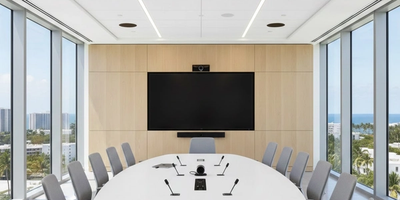
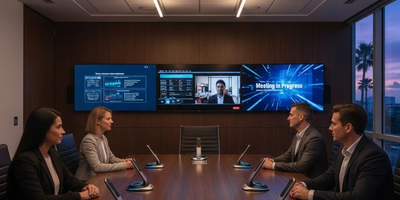
Walking into a conference event for the first time can feel overwhelming. Attendees are unsure where to go, what to expect, and are hoping for a smooth, engaging experience.
Technical issues like poor audio, echoing microphones, or blurry screens create immediate frustration. These problems are often invisible to seasoned attendees but become a real barrier for newcomers. If visitors cannot hear or see clearly, they may decide not to return before even leaving the venue.
Audio and Visual Impact:
- Inconsistent sound or visual quality reduces comprehension and engagement
- Attendees spend energy trying to hear or read, rather than focusing on the event
- Poor experiences affect future attendance and overall reputation
Common Problems That Push Visitors Away
Feedback, Echo, and Volume Issues
- Microphone squeals, uneven volume, and room echoes distract attendees.
- Some areas are too quiet; others too loud, increasing frustration.
Dead Zones
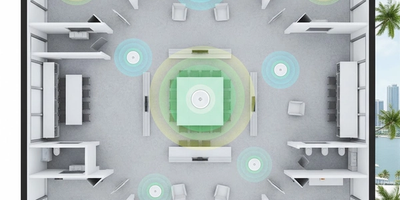
- Poor speaker placement creates muffled sound areas.
- Visitors don’t know where to sit for the best experience.
Microphone Failures
- Dead batteries, signal dropouts, or failing handheld/lapel mics disrupt the event flow.
Video Display Mistakes
- Blurry Projections & Poor Placement: Old projectors, dirty lenses, or awkward screen angles make content hard to read.
- Fonts, Colors & Graphics: Small fonts, low contrast, and busy backgrounds reduce readability.
- Live Streaming & Video Glitches: Freezes, AV sync issues, and failed content look unprofessional.
Setup Errors
- Skipping Pre-Event Checks: Rushing or skipping sound checks leads to preventable failures.
- Volunteer Training Gaps: Untrained staff panic or guess, worsening issues.
- Outdated Equipment: Old projectors, mics, and mixers fail unpredictably; replacement improves consistency.
Quick Fixes Before Your Next Event
Sound Adjustments
- Reposition speakers for even coverage
- Test microphones at speaking volume
- Identify and eliminate dead zones
- Adjust equalizer settings for clarity
- Establish backup procedures
Video Improvements
- Clean projector lenses
- Reposition screens for proper alignment
- Increase font sizes and improve contrast
- Simplify slide backgrounds and test all content
Checklists and Protocols
- Use pre-event setup checklists
- Provide troubleshooting guides for staff and volunteers
- Train multiple volunteers per role
- Maintain backup equipment and clear communication
Long-Term Solutions
Equipment Upgrades
- Prioritize microphone and speaker placement
- Consider digital wireless microphones
- Upgrade projector brightness and positioning
- Add basic acoustic treatments
- Use reliable power conditioning
Volunteer Training
- Implement structured training programs
- Provide hands-on practice outside event hours
- Crosstrain multiple volunteers for each role
Maintenance and Backup Plans
- Regularly clean and calibrate equipment
- Keep spare microphones, cables, and projection options
- Maintain logs of issues and resolutions
- Plan equipment replacement based on expected lifespan
Technical issues can make or break first impressions at your conference events. Poor audio, blurry visuals, and failing equipment distract visitors and reduce engagement.
By testing systems, training staff, upgrading equipment, and maintaining backups, you create a seamless, professional experience that keeps first-time visitors returning.
Contact Support305 today for expert consultation on conference room audio-visual systems and event optimization.