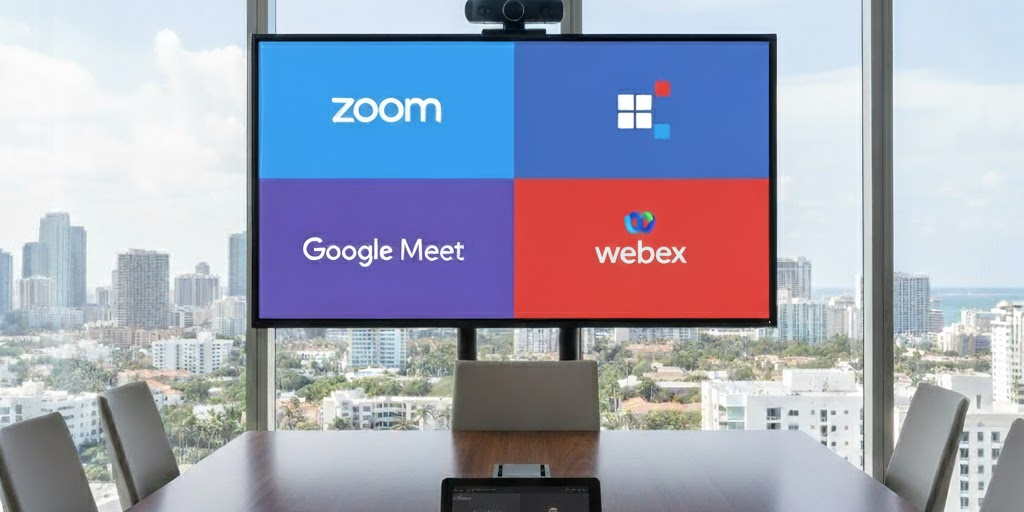
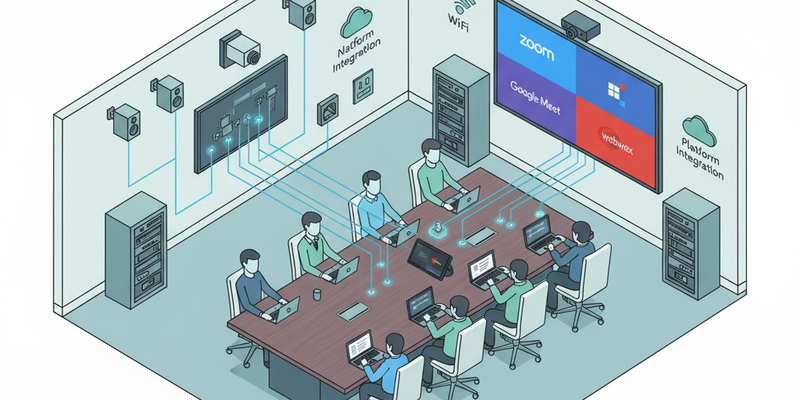
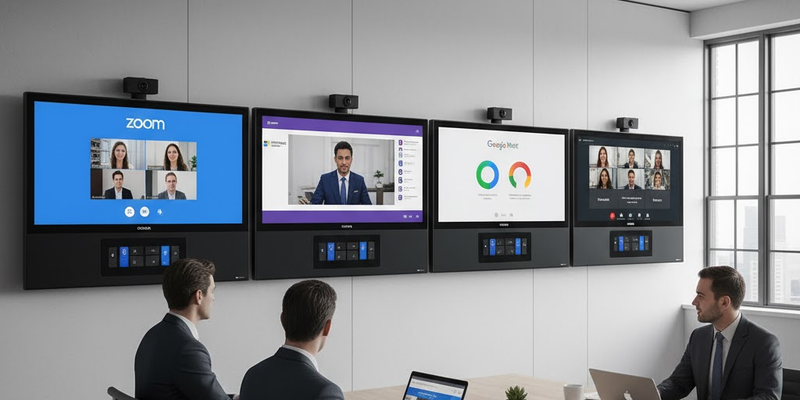
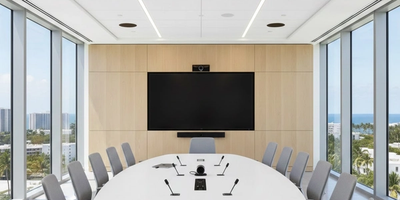
Conference rooms today aren’t just meeting spaces; they’re hybrid communication hubs. Choosing the wrong video platform can lead to connection issues, compatibility errors, and wasted setup time. The right platform integrates seamlessly with your room’s audiovisual system and ensures consistent communication for both in-room and remote participants.
1. Zoom: The All-Rounder for Hybrid Meetings
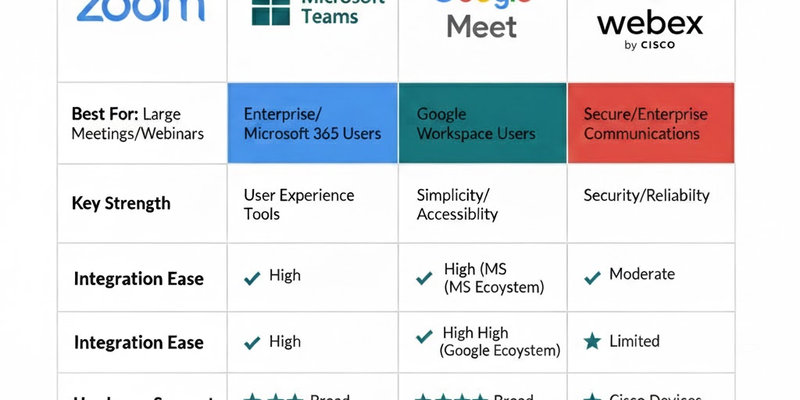
Zoom remains one of the most flexible platforms for conference rooms, supporting a wide range of devices and room systems.
Key Advantages:
- Simple user interface and quick meeting join links.
- Integrates easily with Logitech and Poly conferencing systems.
- Supports touch-screen scheduling displays and one-touch join.
Best For:
Companies prioritizing hybrid collaboration and external client meetings.
Common Challenge:
Without proper configuration, Zoom Rooms may face audio routing or device recognition issues with external DSPs and AV systems.
2. Microsoft Teams: Best for Office 365 Ecosystems
Microsoft Teams is ideal for organizations already using Microsoft 365 and Exchange. It offers deep integration and advanced scheduling features.
Key Advantages:
- Sync automatically with Microsoft Calendar and Outlook.
- Supports certified Teams Rooms hardware for reliable performance.
- Built-in noise suppression and intelligent camera framing.
Best For:
Enterprises using Office 365 or companies with multiple meeting spaces.
Common Challenge:
Team's Rooms setups often require professional configuration to ensure consistent mic and display calibration across spaces.
3. Google Meet: Fast, Cloud-Based, and Simple
Google Meet is ideal for teams already in the Google Workspace ecosystem. It offers quick access, browser-based functionality, and strong reliability.
Key Advantages:
- No app installation needed; runs directly in the browser.
- Works seamlessly with Logitech Rally Bar and Google Meet hardware.
- Real-time captioning improves accessibility.
Best For:
Startups, education environments, and companies using Gmail or Google Workspace.
Common Challenge:
Audio devices and projectors often need manual integration to match Meet’s simple architecture with professional-grade AV setups.
4. Cisco Webex: Enterprise-Grade Security and Reliability
Cisco Webex stands out for its enterprise-level encryption and scalability. It’s often chosen by organizations that need controlled access and advanced device management.
Key Advantages:
- End-to-end encryption and advanced meeting controls.
- Webex Room Kits support native integrations with projectors and touchscreens.
- Reliable performance for large-scale conference events.
Best For:
Corporations or institutions requiring secure communication and centralized management.
Common Challenge:
Webex hardware requires precise network and firmware configuration to perform optimally with non-Cisco AV equipment.
Professional Integration: The Real Difference Maker
Even the best platform performs poorly without proper system design.
Professionals integrate your conferencing platform with:
- DSP-based audio processing for Acoustic echo cancellation and Automatic Gain Control.
- Touchscreen controls for one-tap meeting launch.
- Webcams and projectors properly calibrated for framing and visibility.
- Networked AV systems ensure stable connectivity across rooms.
At Support305, our engineers specialize in unifying conferencing platforms with room control systems, ensuring reliable performance across Zoom, Teams, Webex, and Google Meet environments.
Each platform has unique strengths, but integration defines success. With professional configuration, your conference rooms deliver seamless collaboration, without technical interruptions.
Contact Support305’s AV Integration Team for expert conferencing setups across Miami, Fort Lauderdale, and Palm Beach. We ensure your meetings stay connected, clear, and professional, every time.