How to Choose the Right AV Conference Room Setup
The conference room has become the most critical technology space in the modern office. It's where deals are won, teams align, and clients form their first impressions of your organization. Yet most conference rooms are an afterthought — thrown together with a TV from a big-box store, a speakerphone from 2015, and a tangle of HDMI cables that never seem to work when they're needed most.
Getting your AV conference room setup right isn't complicated, but it does require a structured approach. This guide walks you through the core decisions: room types, the technology each needs, how to budget, and how to avoid the most common mistakes.
Why Your Conference Room AV Matters More Than You Think
Research consistently shows that technology friction in meetings costs businesses thousands of hours per year. A Gartner study found that the average employee wastes 15 minutes before every meeting dealing with technology issues — and that's before the first slide is shown.
Beyond productivity, the quality of your conference room AV sends a message to every client, partner, or candidate who walks in. A room that works flawlessly communicates professionalism. A room where the presenter spends five minutes fighting with the projector communicates something else entirely.
A well-designed AV conference room setup should allow anyone — regardless of technical ability — to start a meeting, launch a video call, and present content in under 60 seconds.
Step 1: Identify Your Room Type
Not all conference rooms are created equal. Before specifying any technology, you need to understand the room's primary purpose and physical characteristics. The four most common types:
Huddle Rooms (2–4 People)
Small, informal collaboration spaces used for quick syncs and one-on-ones. Key requirements:
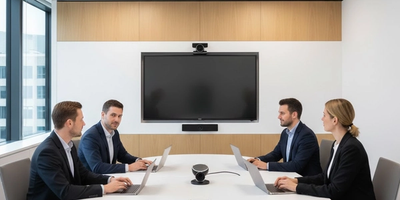
- Compact all-in-one video bar (camera + microphone + speaker in one unit)
- 55–65-inch display
- Wireless content sharing (Mersive Solstice, Barco ClickShare, or similar)
- Simple, one-cable connection for laptops
Budget range: $5,000–$12,000 fully installed.
Standard Conference Rooms (6–12 People)
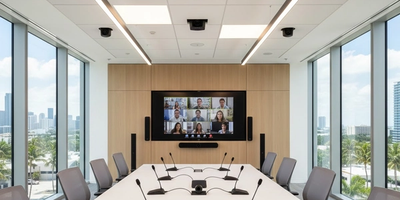
The most common room type in corporate environments. These rooms need more robust audio coverage and camera capabilities to ensure everyone in the room is seen and heard clearly on a video call.
- 75–86-inch 4K display, or dual 65-inch displays
- PTZ or wide-angle conference camera (Logitech Rally, Poly Studio, or Huddly IQ)
- Tabletop or ceiling microphone array (Biamp, Shure, Yamaha)
- Room control panel (Crestron, Extron, or platform-native like Logitech Tap)
- Wireless and wired content sharing
Budget range: $15,000–$40,000 fully installed.
Boardrooms (12–20+ People)
Executive-level rooms where quality, aesthetics, and performance must be impeccable. Expect:
- Video wall or large-format display (110-inch+, or multiple panels)
- Broadcast-quality PTZ cameras (multiple angles in larger rooms)
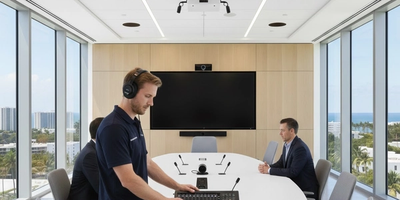
- Professional ceiling microphone array with digital signal processing (DSP) — Biamp Tesira or Q-SYS
- Full room control system (Crestron or Extron) with custom programming
- Integrated lighting and shade control
- Recording and streaming capability
Budget range: $50,000–$150,000+ fully installed.
Training Rooms
Multi-purpose rooms that flex between presentation, classroom, and collaborative modes. Key requirements:
- Dual-display or video wall for content + presenter view
- Wireless microphone system for the presenter
- Distributed speaker system for even coverage across the room
- Recording and capture system if sessions will be archived
- AV over IP infrastructure if the room is part of a larger campus deployment
Budget range: $30,000–$100,000+ depending on room size and capability tier.
The single most important decision in conference room AV design is which video conferencing platform you'll standardize on. This determines compatible hardware, certification requirements, and control system architecture.
The major platforms and their implications:
- Microsoft Teams Rooms (MTR) — Requires Microsoft-certified hardware. Strong for Microsoft 365 environments. One-touch join, calendar integration.
- Zoom Rooms — Requires Zoom-certified hardware. Excellent performance and widely adopted. Strong partner ecosystem.
- Google Meet — Hardware partners include Logitech and DTEN. Best for Google Workspace organizations.
- Platform-agnostic (BYOD) — Simpler and more flexible, but puts more burden on the user to connect their own device. Works well for smaller rooms.
Choose a platform before selecting any AV hardware. Buying equipment that isn't certified for your platform leads to compatibility issues, support gaps, and a poor user experience.
Step 3: Prioritize Audio — It's More Important Than Video
This is the most counterintuitive insight in AV conference room design, and the one most businesses get wrong: audio quality matters more than video quality for effective meetings.
Poor video is annoying. Poor audio is a meeting-ender. When remote participants can't hear clearly, communication breaks down entirely.
What good conference room audio requires:
- Microphone coverage of the entire table — not just the middle
- Acoustic echo cancellation (AEC) to prevent feedback
- Noise cancellation for HVAC, keyboard, and ambient noise
- Speaker placement and volume calibrated to the room's acoustics
In larger rooms, this means a professional DSP (digital signal processor) from Biamp, Q-SYS, or similar — not a consumer speakerphone. See Support305's professional audio solutions for boardroom and conference room options.
Step 4: Plan for How People Actually Use the Room
The best AV conference room setups are designed around user behavior, not technology specs. Ask:
- Do meetings typically start from the room, or do remote participants initiate?
- Do people present from laptops, or from a central room PC?
- Is wireless content sharing important, or do people prefer cable connections?
- Will the room be used for recording or live streaming?
- Who will manage the room technology day-to-day — IT staff or general employees?
The answers to these questions directly inform control system programming, interface design, and hardware selection. A room designed for IT-managed presentations operates very differently from a room designed for self-service by non-technical users.
Step 5: Budget Realistically (and Account for What's Often Missed)
Most businesses underestimate the full cost of a properly integrated conference room because they focus only on the equipment price. The full cost includes:
- Hardware — displays, cameras, microphones, speakers, control panels
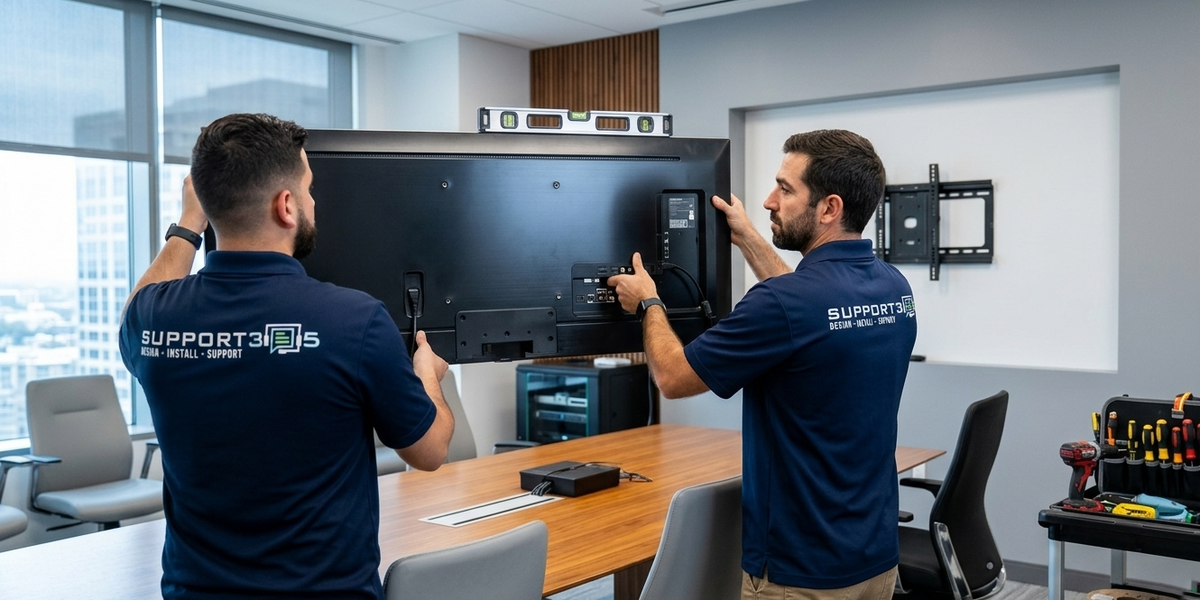
- Installation — labor, mounting, cable runs, rack building
- Control system programming — often 10–20% of the total project cost
- Infrastructure — low-voltage cabling, conduit, power distribution
- Acoustic treatment — panels, carpet, and ceiling materials that affect audio quality
- Training — teaching your team to actually use the system
- Ongoing support — service agreements and firmware maintenance
A common mistake: purchasing high-end equipment and then skimping on installation or programming. A $30,000 camera and display system with poor programming is still a frustrating system.
Working with Commercial AV Consultants vs. AV Integrators
If you're planning a multi-room deployment or a complex environment, you may benefit from engaging a commercial AV consultant during the design phase. An AV consultant helps you define requirements across multiple spaces, develop equipment specifications, evaluate integrator bids objectively, and act as your technical advocate during project execution.
Many AV integration companies offer both design and installation services under one roof — which simplifies the process and maintains accountability. For businesses in South Florida looking for AV solutions for corporate offices, working with a local firm that handles design through installation is typically the most efficient path.
The Bottom Line: Invest in Setup, Save on Frustration
A properly designed AV conference room setup is an investment that pays dividends in productivity, professionalism, and team morale. The technology should accelerate your meetings — not slow them down.
The key decisions are: room type, platform alignment, audio quality prioritization, user experience design, and realistic budgeting that accounts for the full scope of the project.
Support305 specializes in conference room AV integration for businesses across Miami and South Florida — from single-room upgrades to multi-site corporate deployments. Contact us for a free room assessment and system recommendation.